Your Shopify stock, in your pocket.
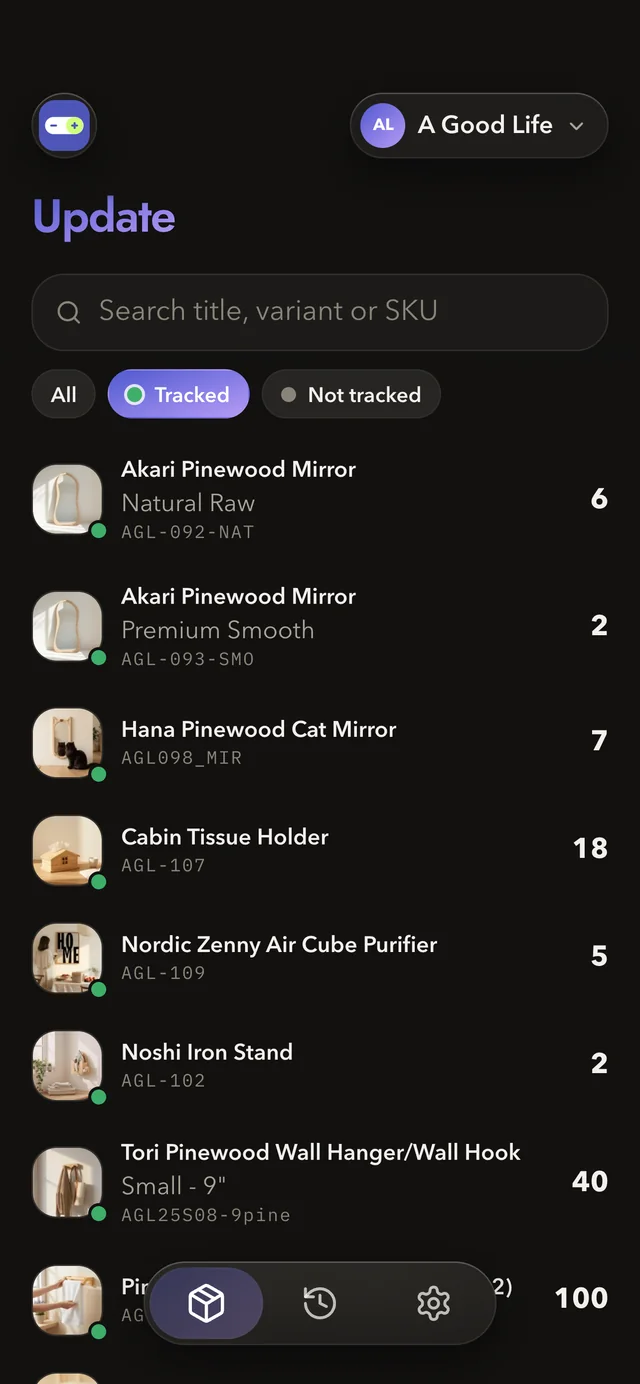
Update inventory in seconds. Every variant, with its photo, SKU and count right there.
For iPhone. Free for one store.
No distractions. Only efficient inventory management.
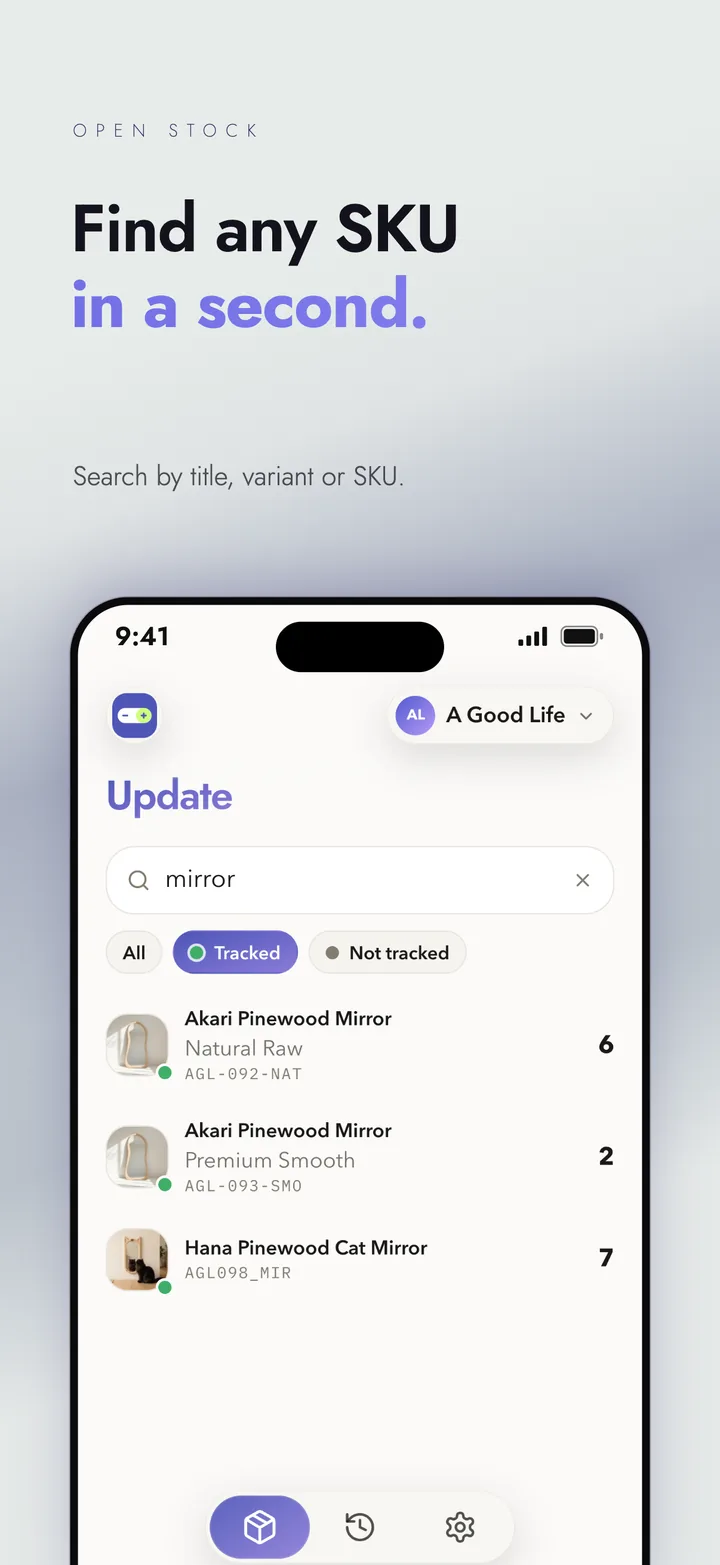
Find any SKU in a second
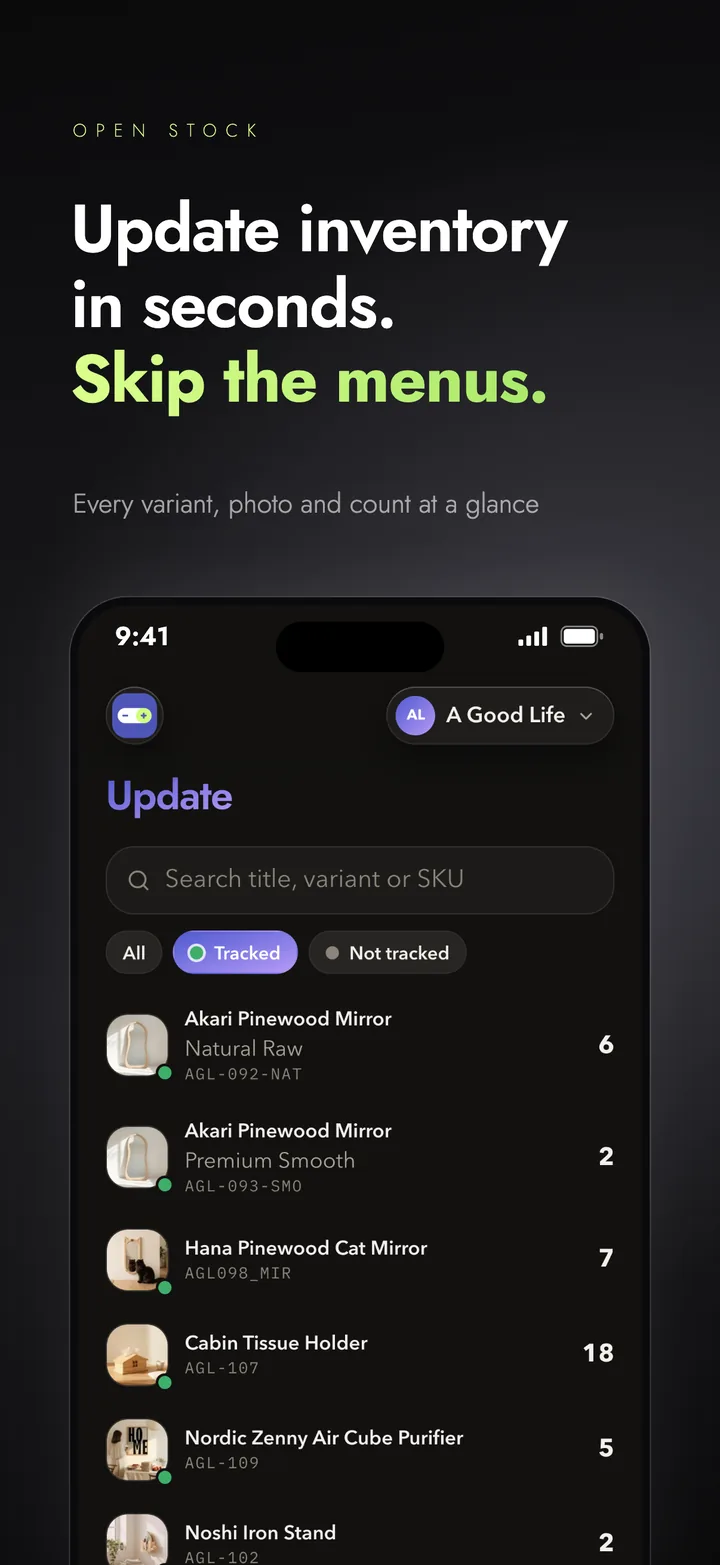
Search by title, variant or SKU. Every variant shows its photo, SKU and count, so you can see where things stand at a glance.
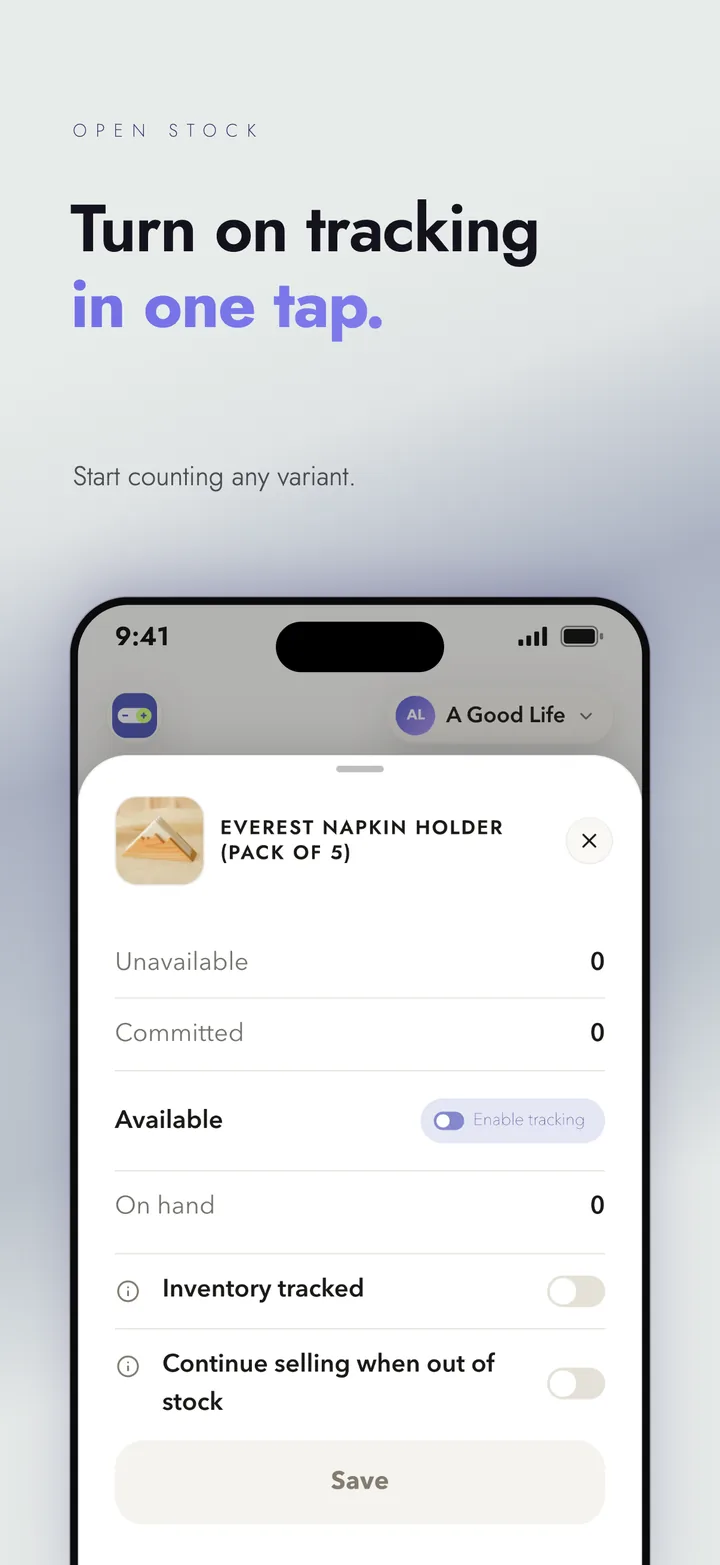
Change a count in one tap
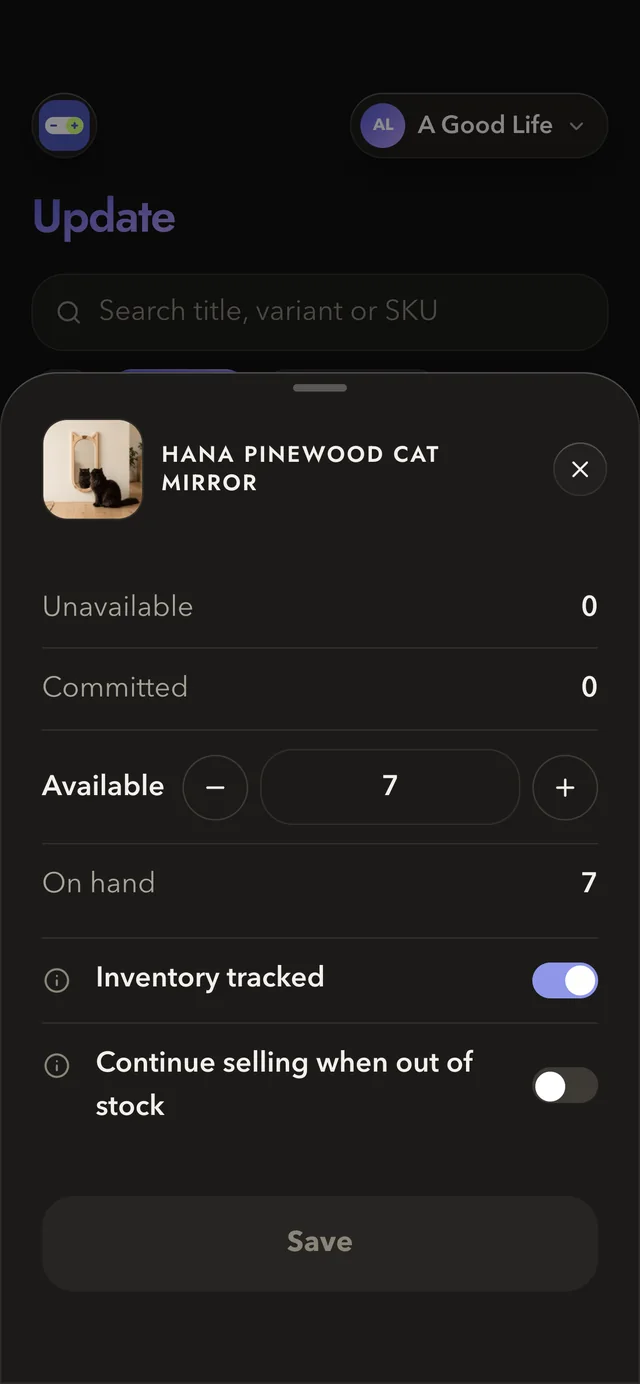
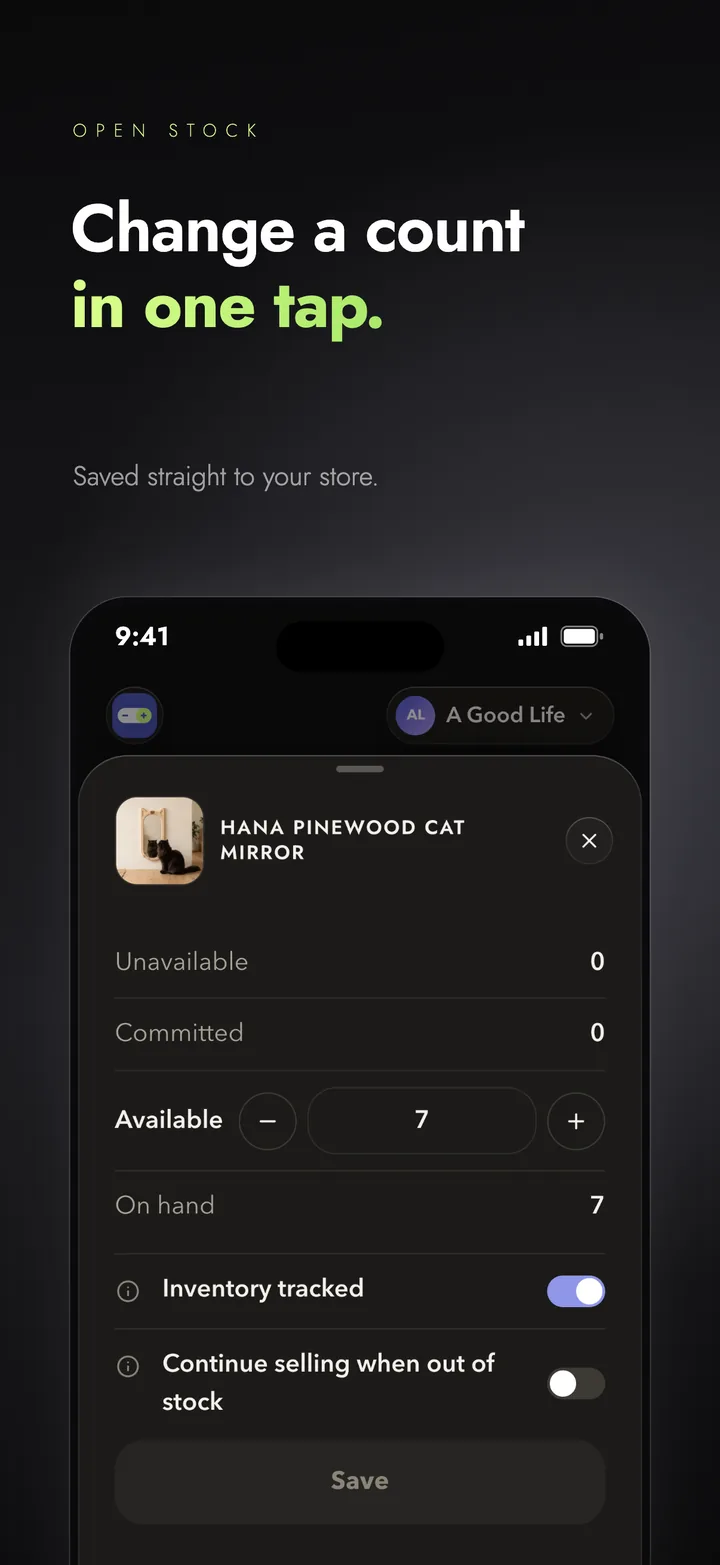
Tap a variant, set the count, and it saves straight to your store. Switch on tracking in one more tap.
Built for merchandisers on the move
Keep your counts accurate from the shop floor, the warehouse or the road, and avoid overselling.
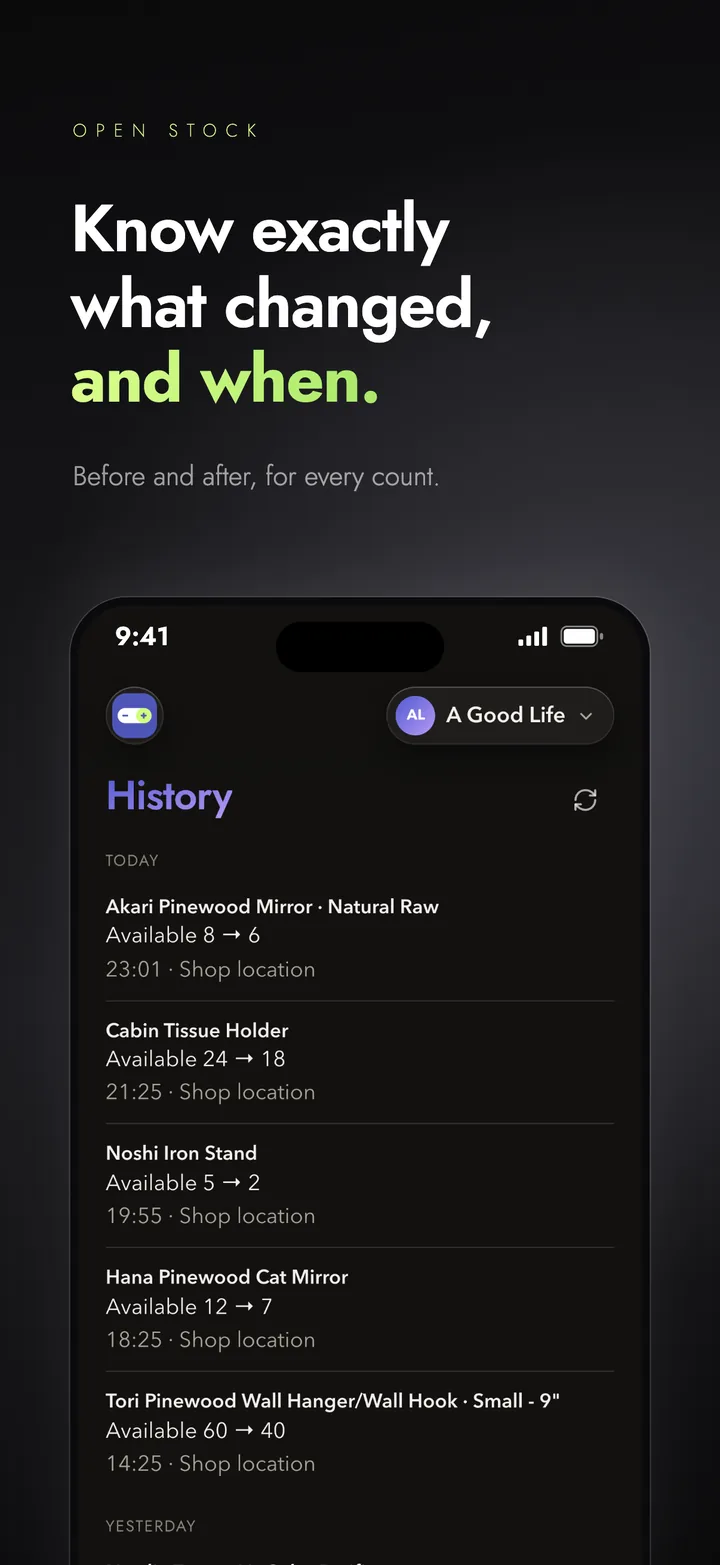
Know what changed, and when
With Premium, see the before and after of every change, store by store.
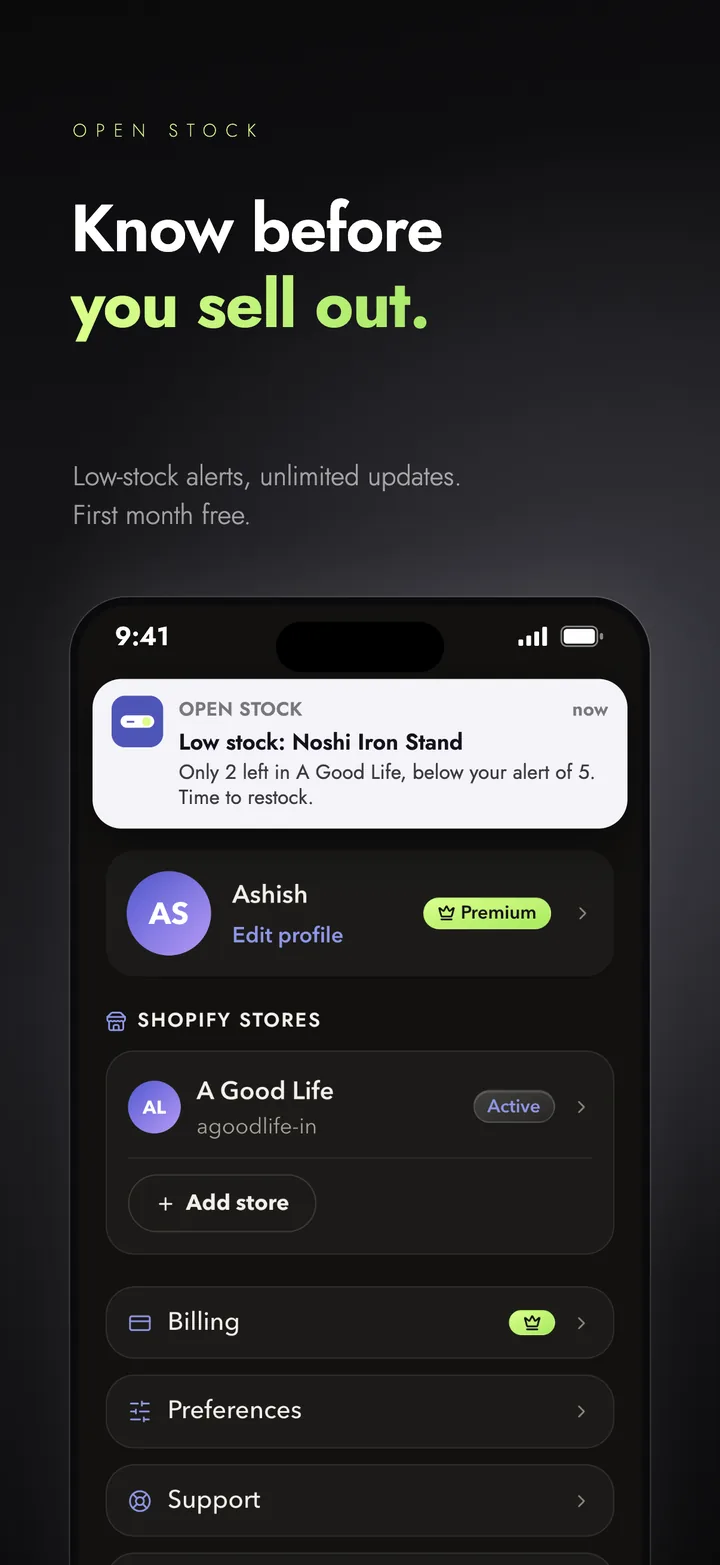
Know before you sell out
With Premium, set a low-stock alert per store and get a push when a variant runs low.
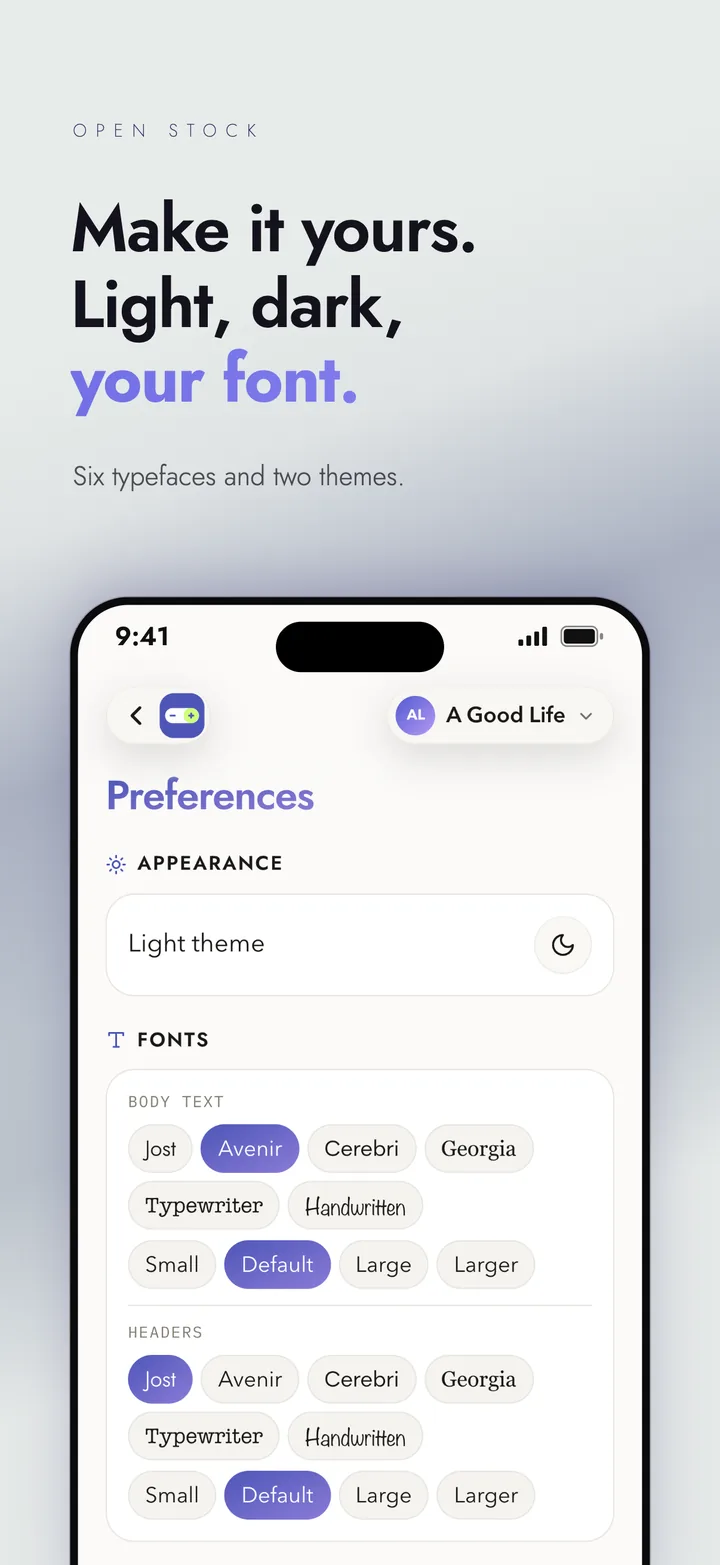
Make it yours
Light or dark theme, and six typefaces to pick from.
See it in action.
Three steps. Then it's one tap.
Connect your store
Add your Shopify store with the Client ID and secret from your own Shopify app. A short guide in the app shows you where to find them.
Find a variant
Search by title, variant or SKU, or scroll the list. Filter by tracked and not tracked.
Change the count
Set the new count and save. It goes straight to your store.
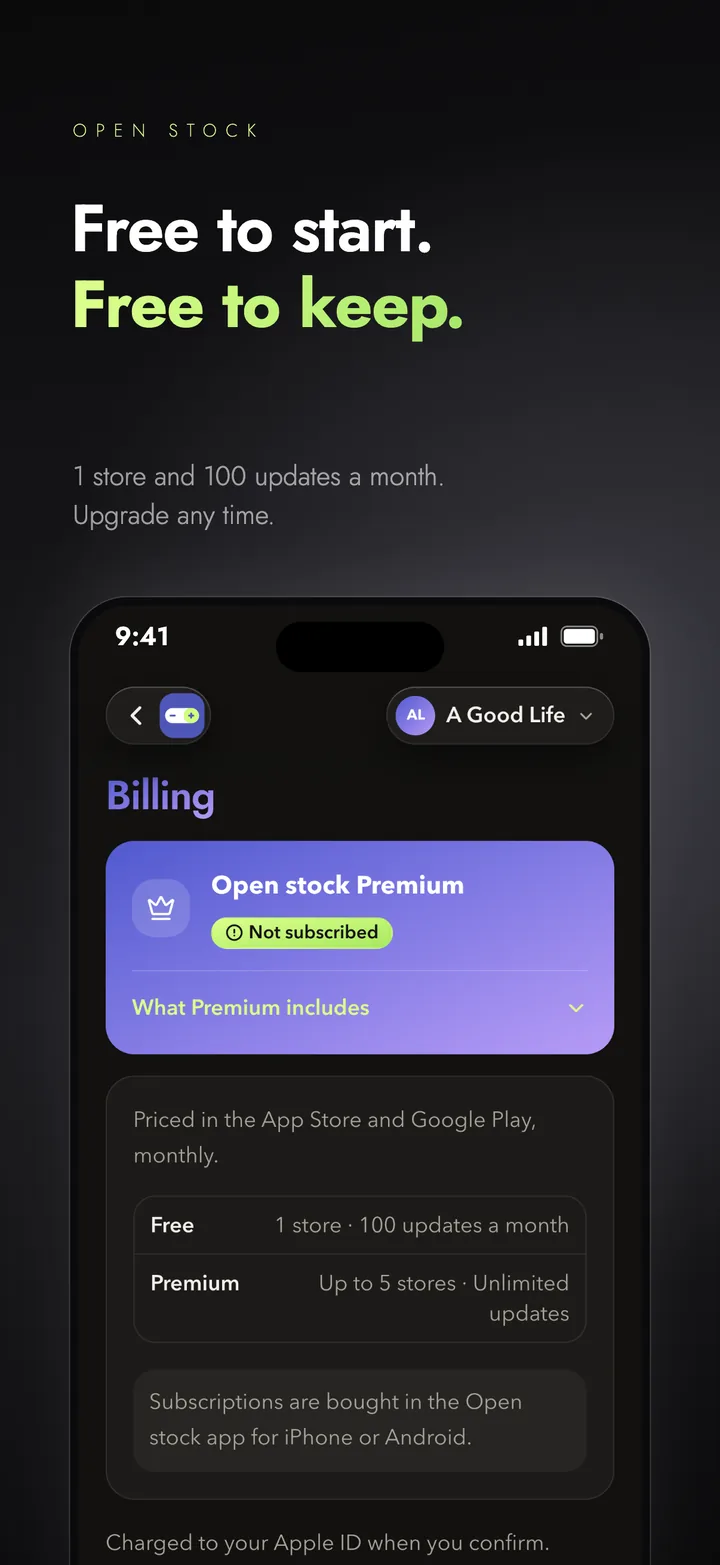
Free to start. Free to keep.
Free
- Search and update every variant
- Turn tracking on or off
- Light or dark, six typefaces
Premium
- A full change history
- Low-stock alerts
- Switch between stores in one tap
Premium is a monthly subscription bought in the App Store. The price is shown there before you subscribe. It renews every month unless you cancel at least 24 hours before the period ends, in your Apple ID settings.
Good to know.
How do I connect my Shopify store?
In the app, add a store and enter the Client ID and secret from a Shopify app you create for your store. The app walks you through each step, with screenshots. It only asks for access to your products, inventory and locations.
Can more than one person use it?
Each person signs in with their own phone number. With Premium you can link up to 5 stores to your account and switch between them in one tap.
What happens when I hit 50 updates on the free plan?
You can keep browsing your stores. Further updates wait until your count resets, on the date shown in the app, or you can upgrade to Premium for unlimited updates.
Is Open Stock made by Shopify?
No. Open Stock is an independent app and is not affiliated with Shopify. Shopify is a trademark of Shopify Inc.
Need a hand? We reply.
Write to us from the app (Settings → Support) and the reply lands right there. Or use the links below.
Email us
Questions, bugs or something that looks off? hello@openslot.cc
Connecting your store
Stuck on the Shopify steps? The connection guide shows each screen, and your connection status.