
Save what matters.In one tap.
Copy a link, an @handle, a #tag or a phone number anywhere. Switch back to Open notes and it’s one tap to save it to a list.
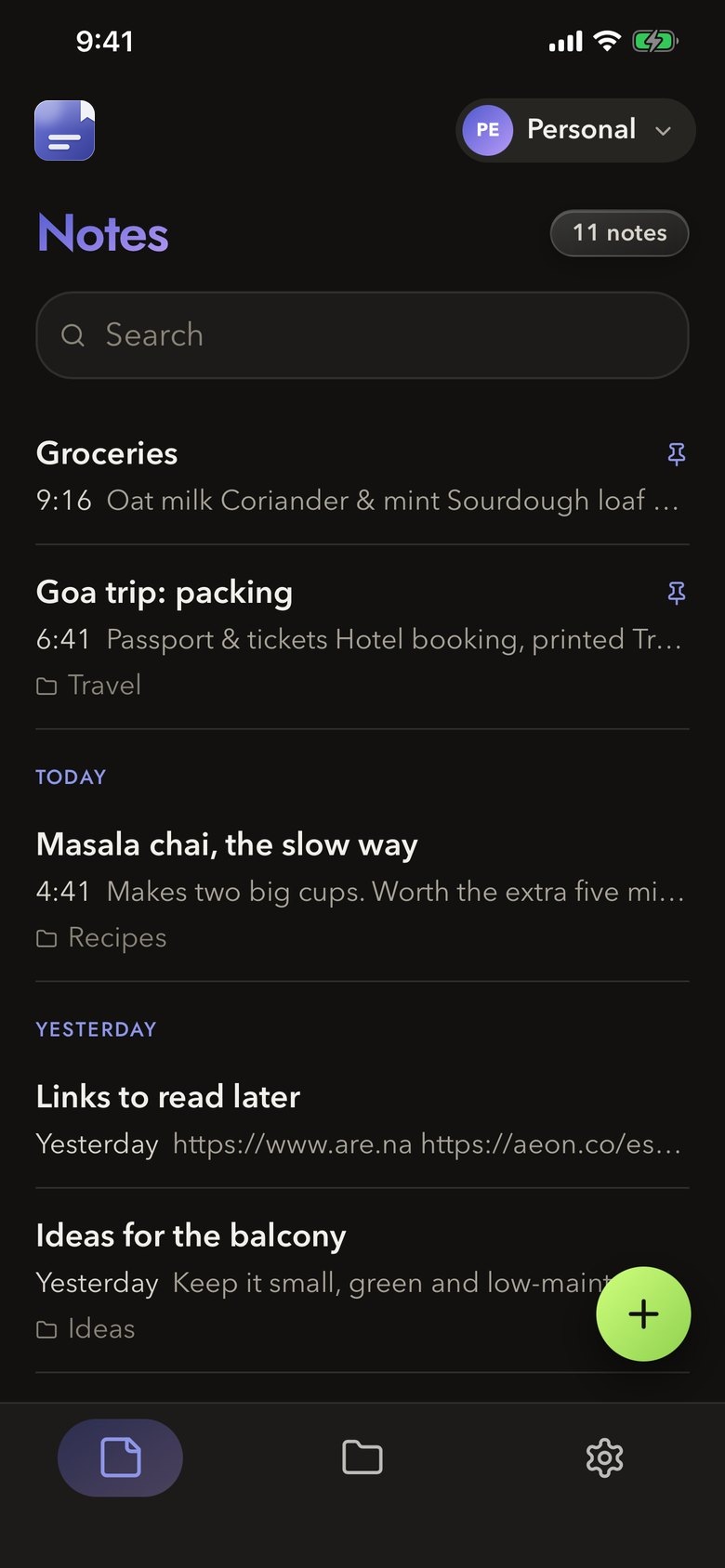
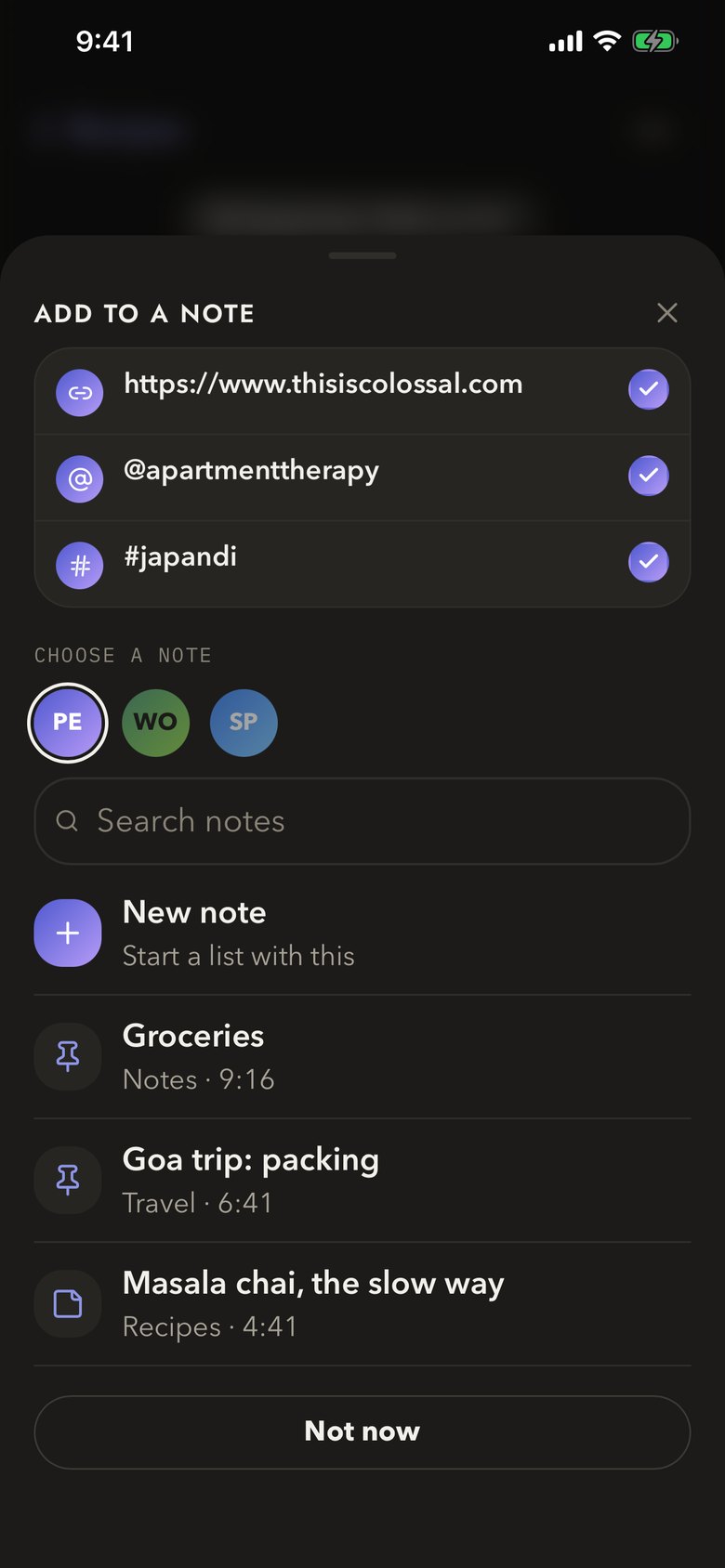
Copy it. Open the app. Filed.
Open notes notices what you just copied and asks which note it belongs in. Tap a note and it’s added to the list. No pasting, no switching around.
- Links, @handles, #tags and phone numbers are picked out and listed for you.
- Add them to any note, or start a fresh list.
- An Instagram link can be saved as the @handle it belongs to.
- Ordinary text is ignored by default, so a one-time code never lands in a note.
The first time, iOS asks whether Open notes may paste. Choose Allow, or set Paste from Other Apps to Allow for Open notes in iOS Settings, and it’s a single tap.
Write it your way.
A notes app that gets out of the way: checklists, headings, lists and links, all one tap away.
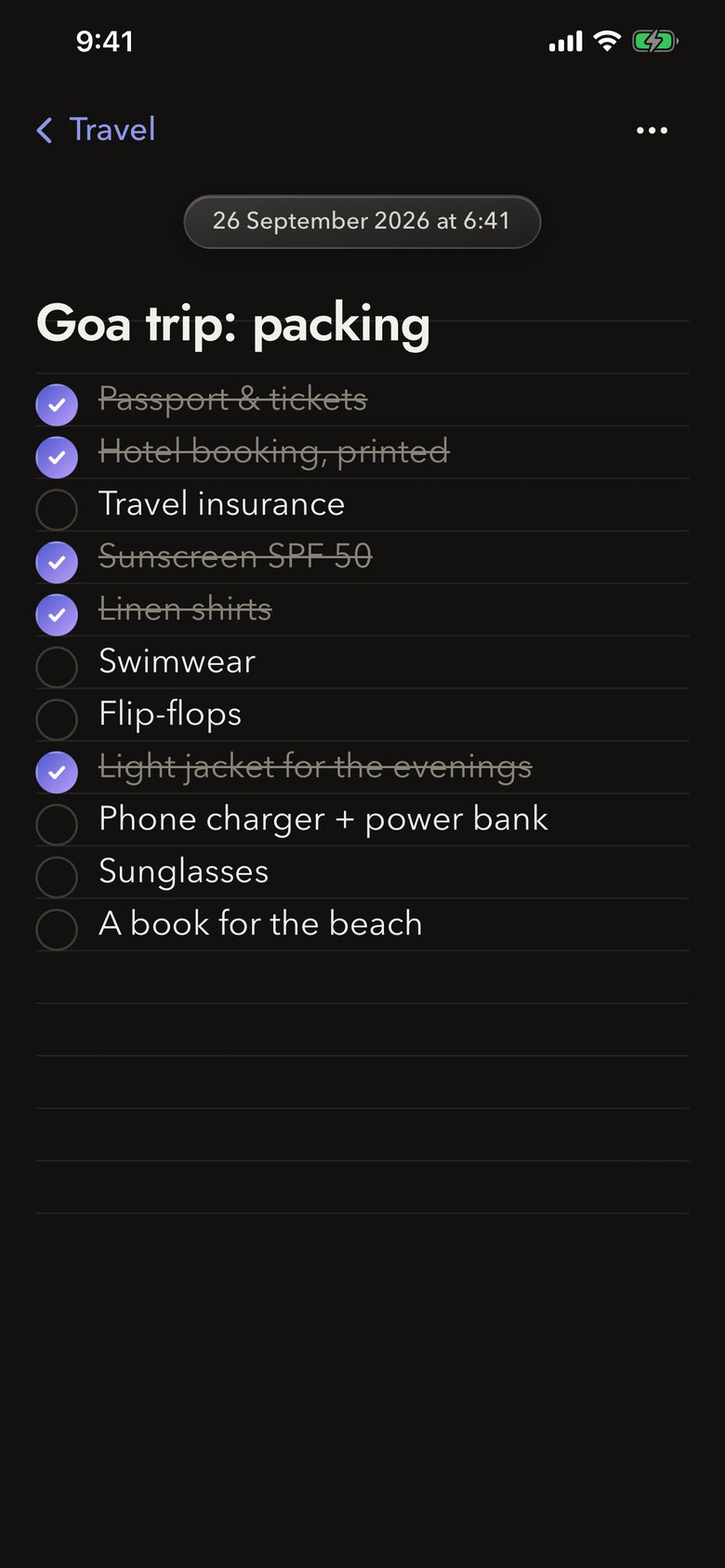
Tick things off
Checklists for packing, shopping and the never-ending to-do.
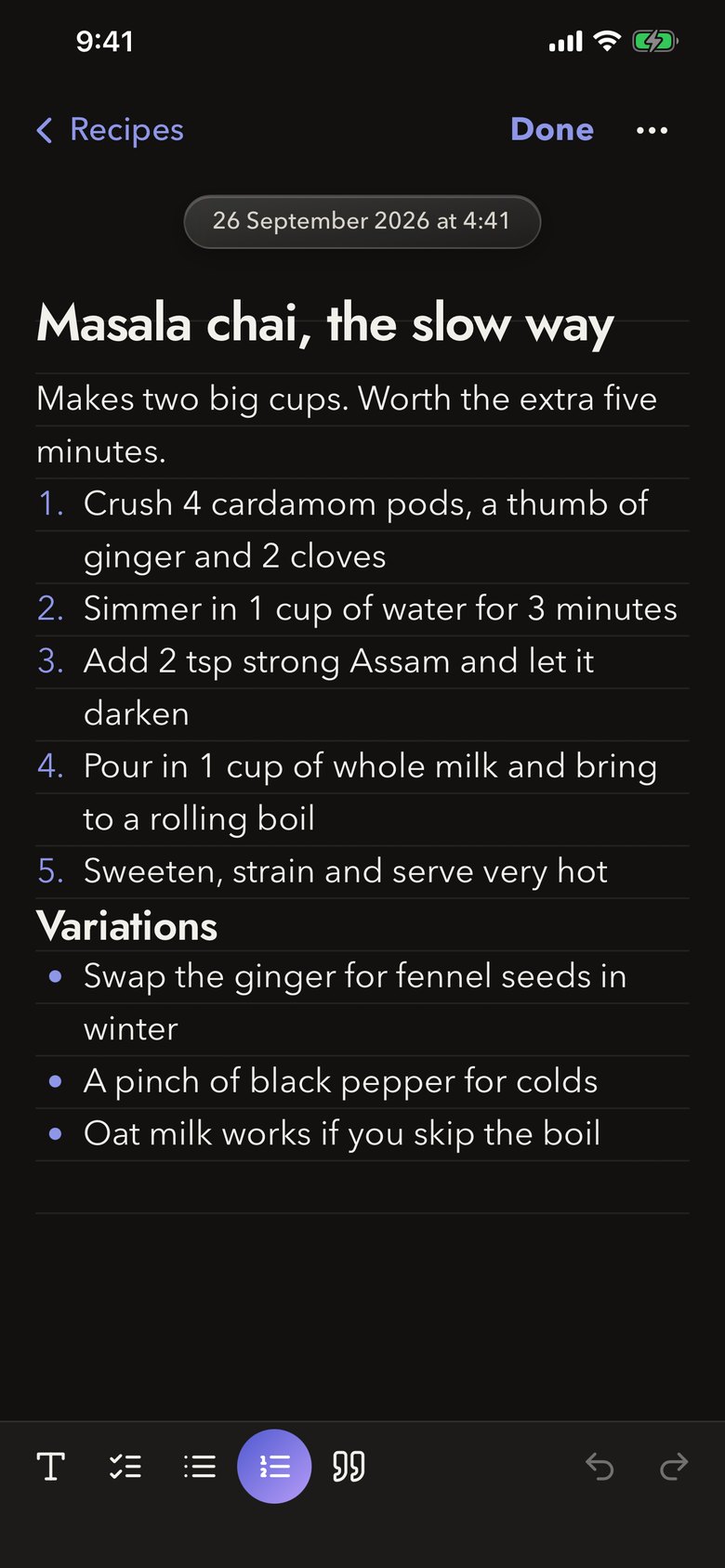
Format as you go
Headings, bullets, numbered lists and quotes, one tap away.
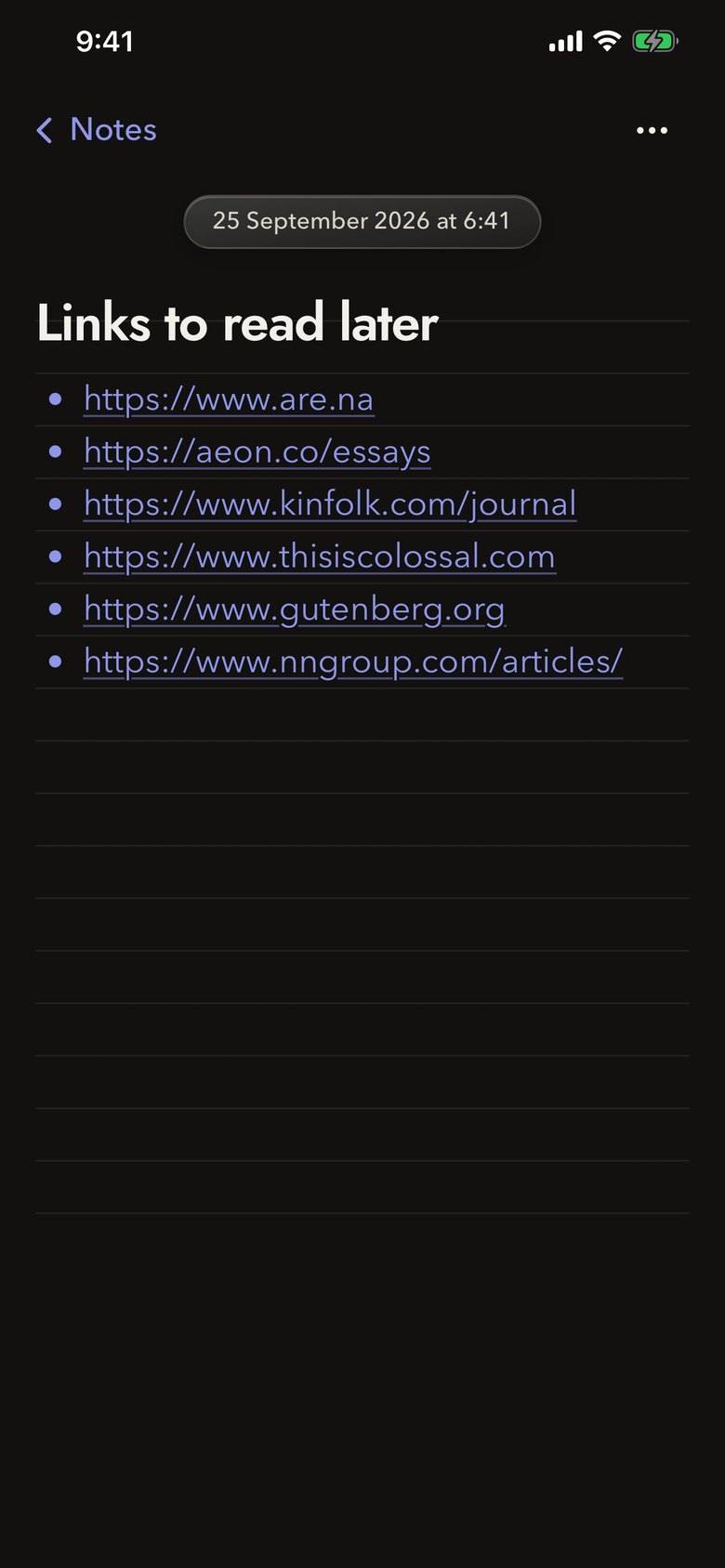
Links you can tap
Everything you catch stays a real, working link.
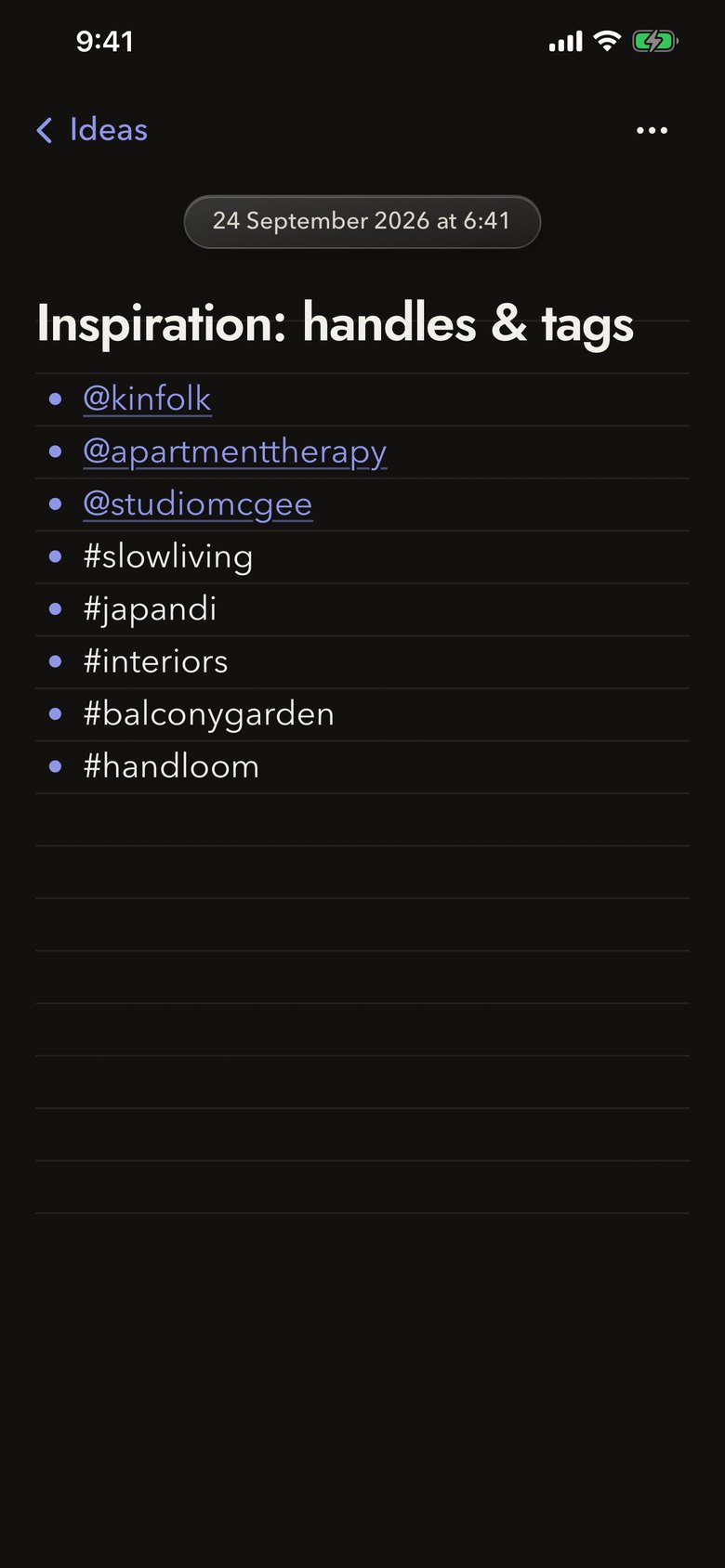
Handles and tags
Keep your @handles and #tags in one list, ready to search.
Find it. Sort it.
Keep it apart.
Search every note, sort them into folders, and keep work and home in separate profiles.
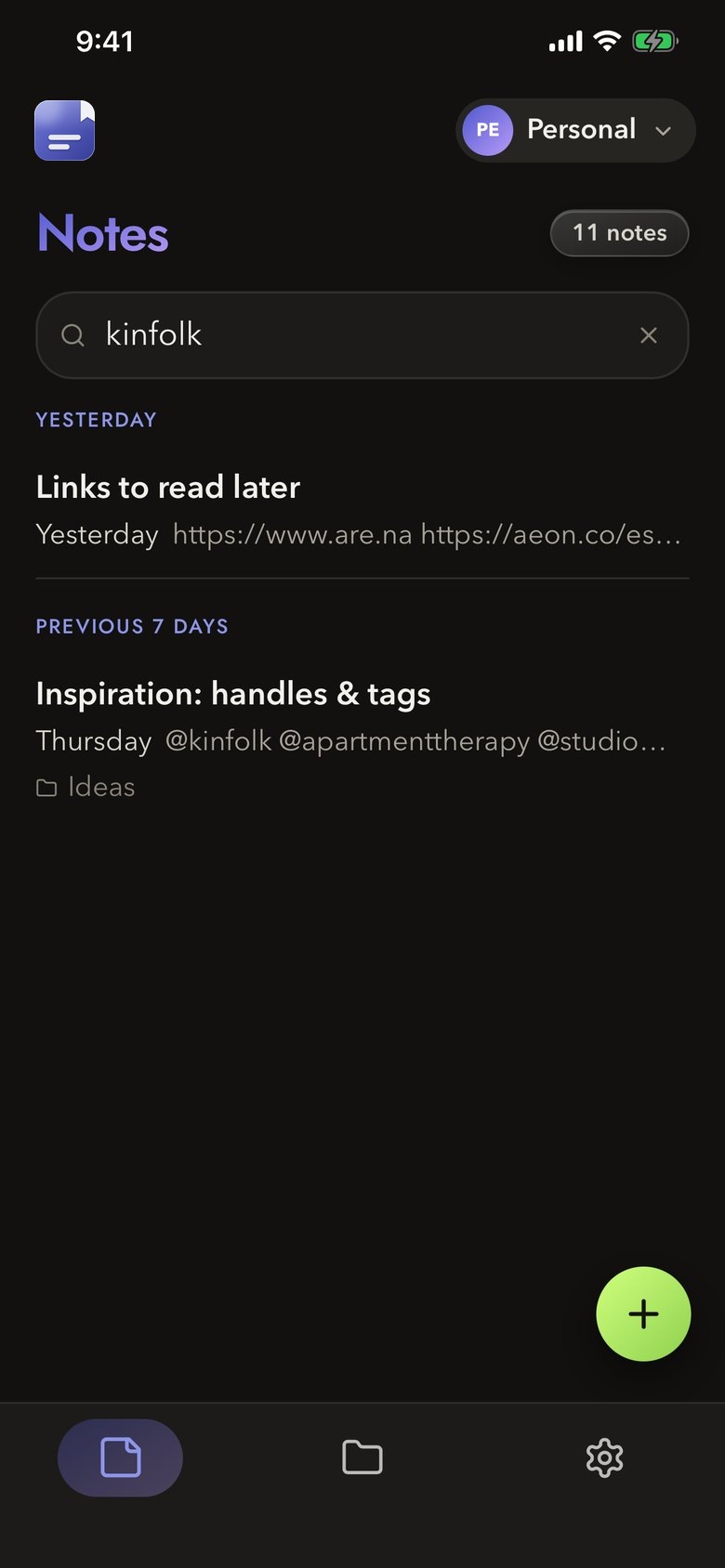
Search everything
Find any note by a word, a link or a tag.
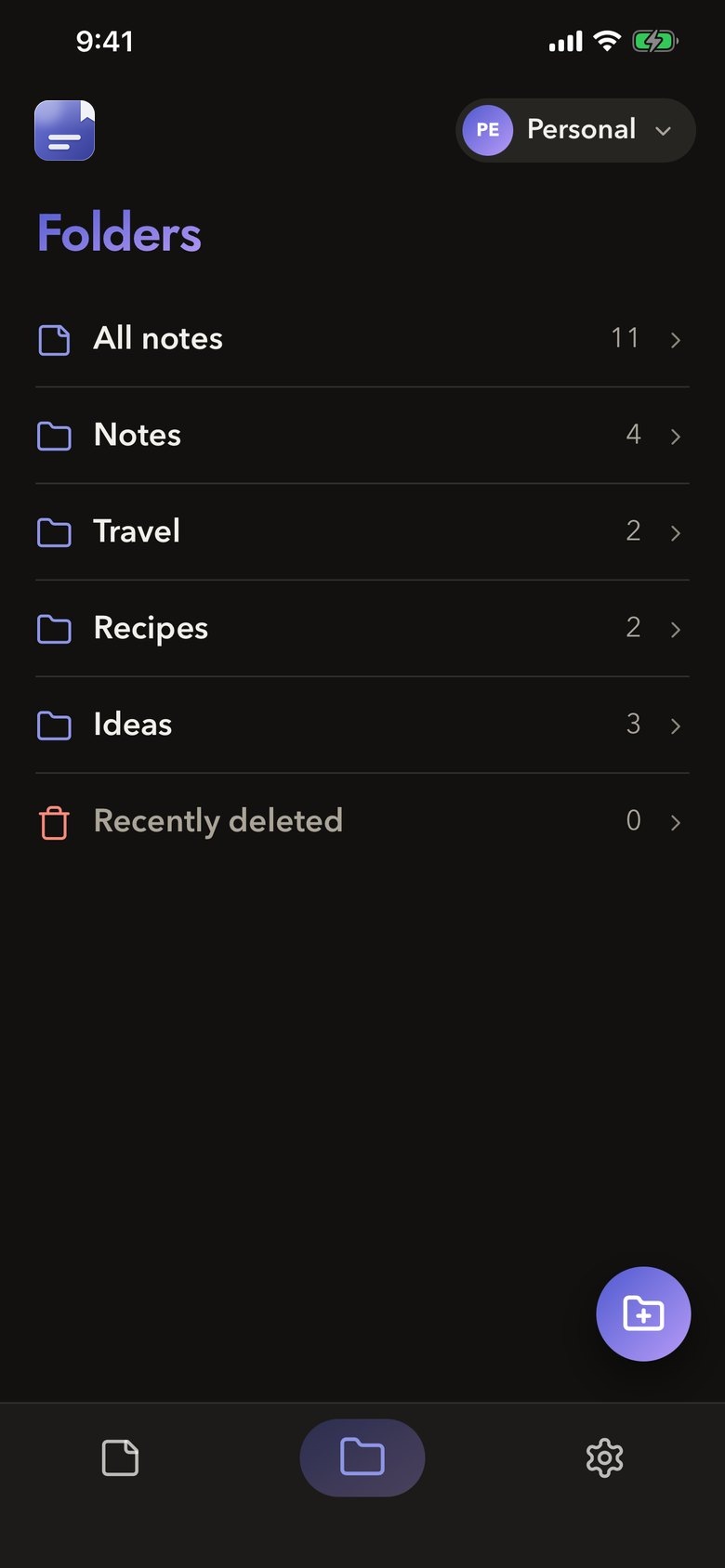
Folders and pins
Sort notes into folders and pin the ones you need on top.
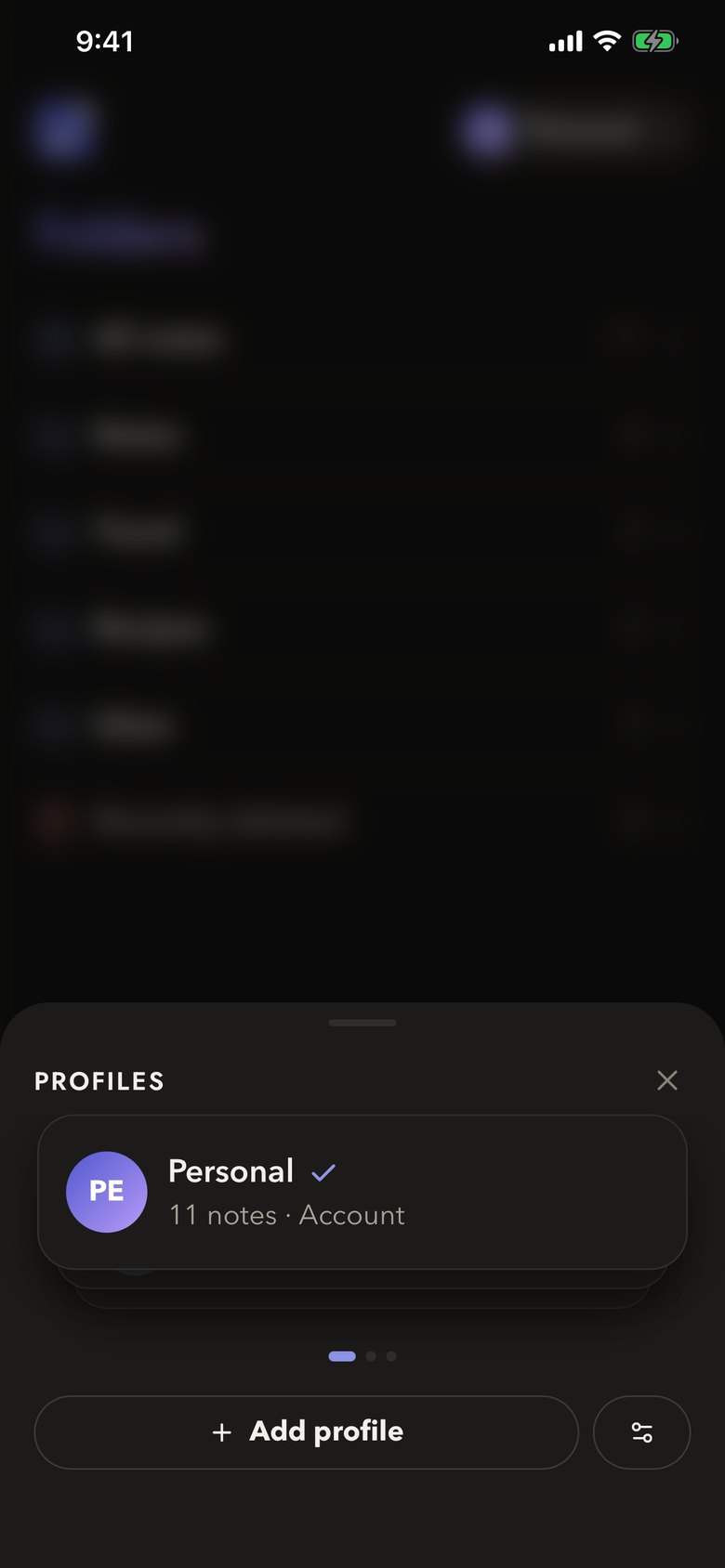
Profiles
Personal, Work, a side project: each with its own notes and folders. Flick through the deck to switch.
Made to be lived in.
Your fonts, your size
Pick a typeface and size for text and headings, and add ruled paper lines behind your notes.
Share and export
Send a note as a PDF or plain text, or export a backup of everything whenever you like.
Recently deleted
Erased notes wait 30 days before they’re gone for good.
No account needed
Start writing straight away. Sign in only if you want Cloud.
Yours, on your iPhone.
Your notes live on this iPhone, in profiles you keep apart. Nothing leaves it unless you subscribe to Open notes Cloud.
- No account to make before you write.
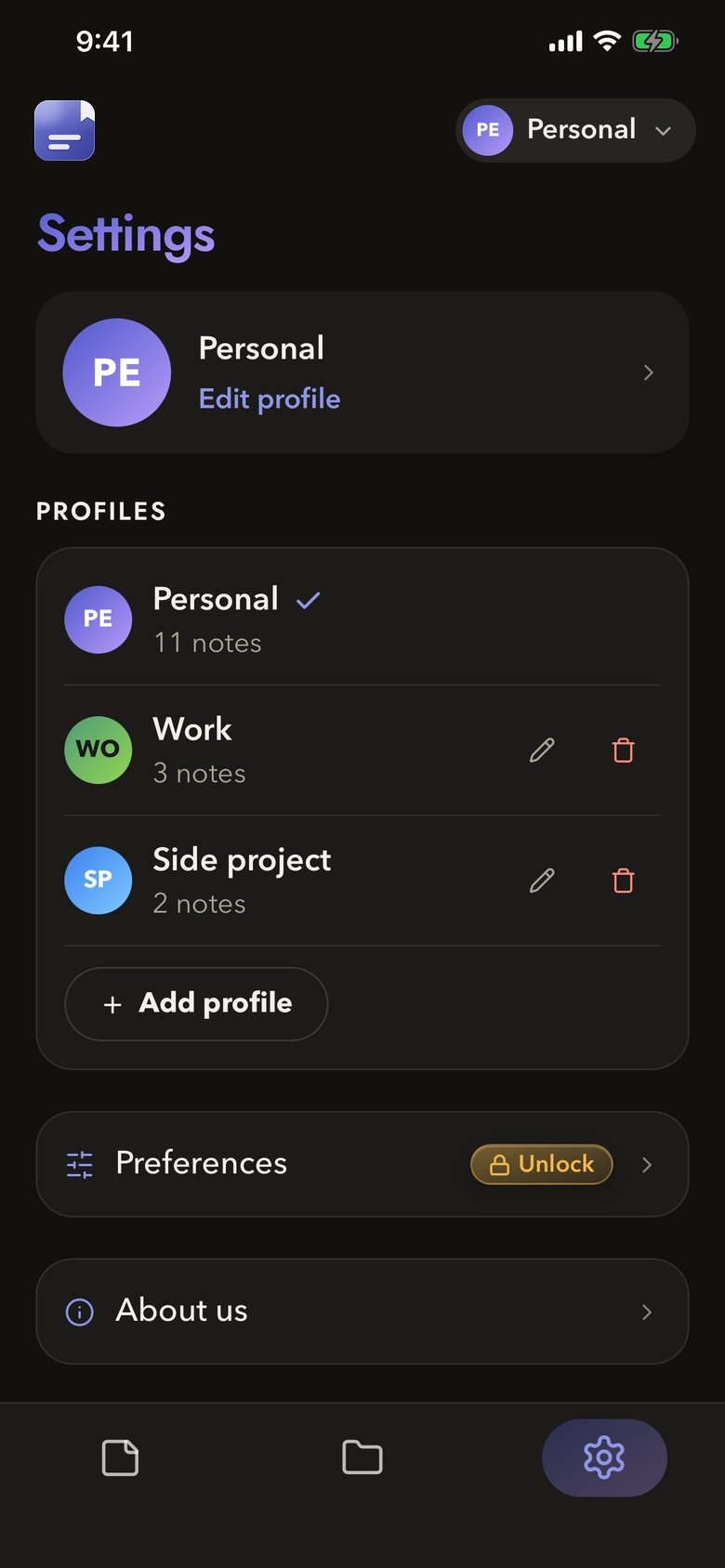
- Profiles keep work and personal apart.
- Export a copy of everything, any time.
- Delete your account from inside the app.
Optional. Never in the way.
Subscribe if you want your notes backed up and the same on every iPhone you sign in to. Skip it and the app is still fully yours to use.
- Backs up your notes and keeps them in step across your iPhones.
- Up to 10 profiles, instead of 5.
- Preferences: fonts and sizes, ruled paper lines and clipboard controls.
- Sign in with your phone number, from any country.
- Manage or cancel any time in your iPhone’s Subscriptions settings. The price, and any free trial, are shown in the app before you subscribe.
Questions
Yes. You can write, organise, search and catch links without paying or signing in. Open notes Cloud is an optional subscription that adds backup, sync and extra preferences.
No. The app opens straight into your notes. You only sign in, with a phone number from any country, if you want Cloud.
iOS asks before any app reads what another app copied. Open notes only looks when you open it or switch back to it, and only when there’s something new. What it finds stays on your iPhone.
Tap Allow Paste, or set Paste from Other Apps to Allow for Open notes in iOS Settings, and saving is a single tap.
On your iPhone, in the app’s own storage. With Cloud switched on, a copy is also kept on our servers so it can be restored and kept in step across your iPhones.
Not yet. Open notes is iPhone only for now.
In the app, open your profile and choose Delete account. Details are on the account deletion page. A subscription is managed separately, in your iPhone’s Subscriptions settings.
Open notes is made by A Good Life, the company behind Open Slot.
Save what matters.
Free on iPhone and Android.